A small business does not need a perfect Bitcoin stack on day one.
It does need a checkout flow that feels clear enough for staff, simple enough for customers, and reliable enough to use again after the first payment.
That is what this setup is for.
Confidence line
By the end of this page, your business should be ready for a customer to walk in, choose an item, and complete a Bitcoin payment through a cleaner merchant checkout flow.
Before you start
This setup makes sense when:
- You want something cleaner than a phone-only manual payment flow.
- You want staff to follow a more obvious checkout process.
- You expect Bitcoin payments to happen more than once in a while.
- You want to test a more business-ready setup without overcomplicating it.
If you are only testing basic demand or want the absolute simplest first step, the Cash App-only path may still be the better place to begin.
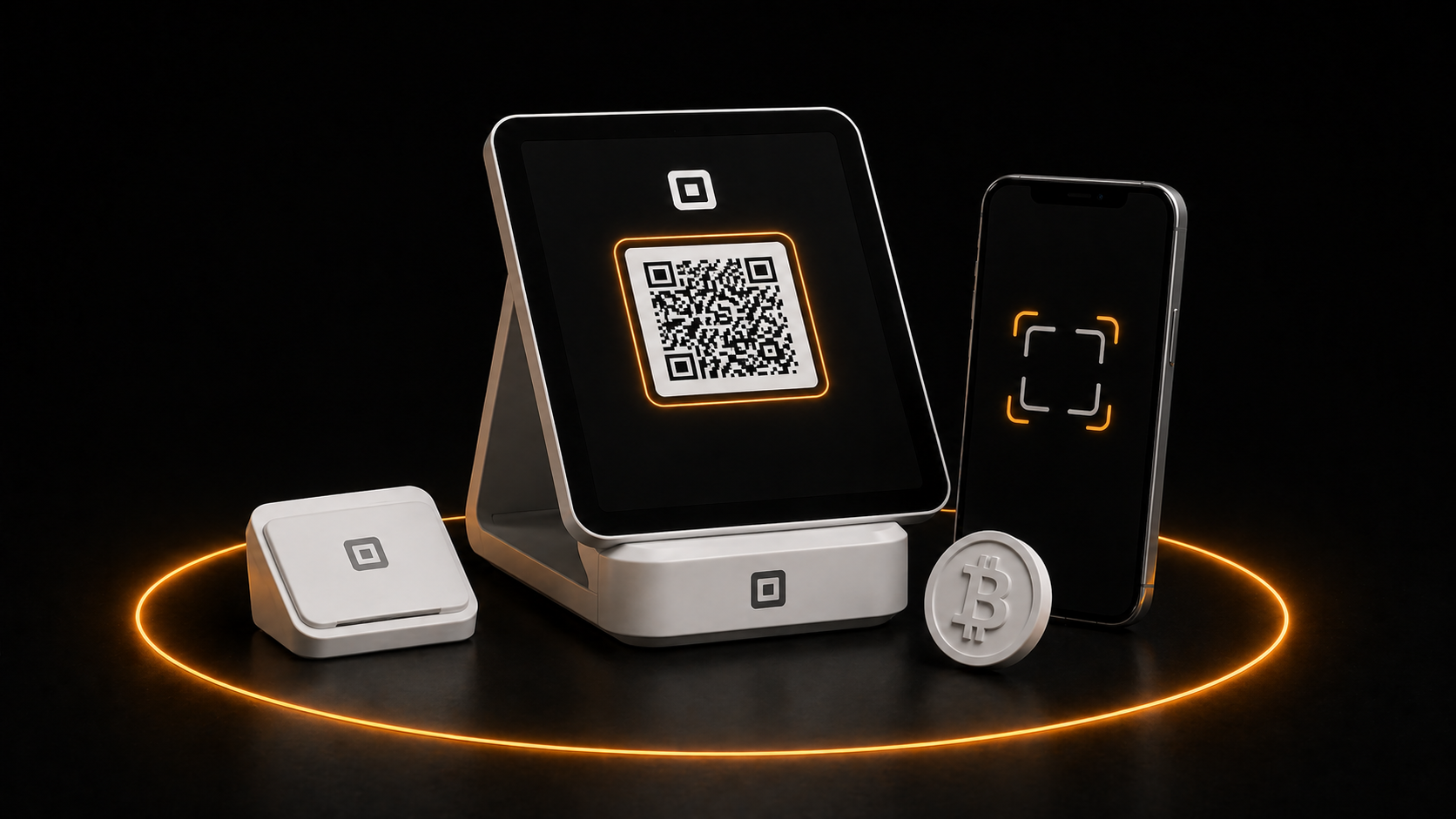
Step 1: Make sure your Square setup is ready
Goal
Use the same Square account, location, and device that your business will actually use when customers are present.
- Log in to your Square account.
- Confirm the correct business location is selected.
- Use the device that will actually live at the counter or register.
- Make sure staff knows where that device is and who is responsible for it.
The point here is consistency. If the setup only works on a device no one can find, it is not really set up.
Step 2: Turn on bitcoin acceptance in your Square workflow
Goal
Make sure the business can actually present Bitcoin as a payment option during checkout.
- Go into the Bitcoin area of your Square account.
- Complete the setup prompts for the correct business location.
- Confirm that the location where customers will pay is the one being configured.
- Save the settings before moving on.
Do not skip the location check. Many business problems come from setting up the right feature in the wrong place.
Step 3: Decide how you want this to work operationally
Goal
Be clear about what your business is trying to accomplish before the first live customer uses the system.
Before taking a real payment, answer these questions:
- Are we mainly testing demand right now?
- Do we want staff to treat this like a normal checkout option?
- Do we understand what happens after the payment is received?
- Are we ready to support this consistently if customers start asking for it more often?
You do not need to overthink this. You just want enough clarity that the first payment feels intentional, not accidental.
Step 4: Prepare the customer side using Cash App
Goal
Use Cash App as the customer example so you can test the full flow from both sides.
- Use a second phone or ask a trusted friend to help.
- Open Cash App on the customer-side device.
- Make sure the Bitcoin section is accessible.
- Be ready to scan and send when the Square checkout flow displays the payment request.
The business side should not be guessing what the customer sees. Testing both sides once removes a lot of uncertainty.
Step 5: Run a very small test sale
Goal
Watch the payment flow happen end to end before a real customer is standing in front of you.
- Create a very small item or ring up a low-value sale.
- Select Bitcoin in the checkout flow.
- Present the payment request or QR code clearly.
- Use Cash App on the customer side to scan and send.
- Wait for the merchant side to confirm the payment.
This is the moment where the setup becomes real. Once the flow works once, the subject gets much simpler.
Step 6: Watch for friction during the test
Pay attention to what could confuse a staff member or slow down a customer.
- Where does the employee tap first?
- Does the payment request appear clearly?
- Can the customer scan without awkward positioning?
- Is it obvious when the payment is complete?
- Could someone else on staff repeat the process without you standing there?
These details matter because a good business setup is not just technically possible. It is operationally usable.
Step 7: Give staff a one-minute script
Staff script
“I’ll ring this up through Square and select Bitcoin. A payment code will appear. Open Cash App, scan the code, and once the payment confirms here, you’re done.”
That is enough. The staff goal is not to explain Bitcoin in depth. The staff goal is to complete the sale calmly.
Step 8: Run a second test without hesitation
Goal
Make sure the process feels repeatable, not lucky.
- Run the same test a second time.
- If possible, have another trusted person run the merchant side.
- Notice whether the second payment feels smoother than the first.
One working test shows the setup can work. A second working test shows it is starting to become operational.
Step 9: Make it visible to customers
If customers do not know you accept Bitcoin, many will never ask.
- Add a small sign near the register.
- Add a line on your website or social profile.
- Tell regular customers once the flow is ready.
Suggested sign copy:
Bitcoin accepted here. Ask to pay at checkout.
Step 10: Get listed once the setup is real
Once your business can actually accept a Bitcoin payment in a repeatable way, make yourself discoverable.
- Confirm your business details are accurate.
- Prepare the business name, address, and payment details you want listed.
- Submit your business to BTC Map once the setup is truly live.
The order matters. First make it work. Then make it visible.
Live readiness check
Before calling this complete, make sure all of the following are true:
- The correct Square location is configured.
- Bitcoin is enabled in the checkout flow you will actually use.
- You have tested the customer side with Cash App.
- You have completed at least one end-to-end test sale.
- Staff has a simple script.
- You have repeated the test a second time.
- Customers can tell you accept Bitcoin.
- You are ready to submit to BTC Map once live.
If all eight are true, your business is ready for its first real Bitcoin payment through a cleaner merchant checkout flow.
Why this path matters
The phone-only path is a great place to begin.
This path matters when you want something that feels more like a business system and less like an experiment.
- It gives staff a clearer process.
- It gives customers a cleaner experience.
- It helps the business move toward repeatable use.
- It creates a stronger foundation for getting listed and being discovered.
Final takeaway
A strong business setup is not the most advanced one. It is the one that lets staff complete the sale clearly, lets customers pay without confusion, and gives the owner enough confidence to make acceptance visible in the real world.
Continue learning
Want to start even simpler first?
If you want the lowest-friction starting point before moving into a more structured checkout flow, start with the Cash App-only guide.